
BG Color

The Complete Guide to Contact Management

No more scattered spreadsheets—organize, and act on customer data with confidence.

BG Color

The Complete Guide to Contact Management

No more scattered spreadsheets—organize, and act on customer data with confidence.

BG Color

The Complete Guide to Contact Management

No more scattered spreadsheets—organize, and act on customer data with confidence.

A close-up of a woman sitting on the floor in a stockroom, using a barcode scanner on a package.

Introduction


Every successful business—no matter its size—relies on one core asset: relationships. And strong relationships come from knowing your contacts, understanding their needs, and keeping communication organized. That’s where effective contact management becomes essential. But managing contacts isn’t just about storing names and numbers. Modern teams need a unified, intelligent system that tracks every interaction, keeps data updated, and helps build long-term customer connections. Whether you’re running a small startup or scaling a growing team, mastering contact management can dramatically improve your sales, support, and overall workflow.


1. Centralize All Your Contacts in One Place


Scattered spreadsheets and disconnected tools make it impossible to understand your customers. Bringing all contacts into a single, unified platform gives your team clarity and consistency.


💡 Pro Tip: Sync contacts from email, forms, and CRM tools into one system for visibility.


2. Keep Contact Data Clean and Updated


Outdated or messy data leads to missed opportunities and confusion. Clean data ensures accurate communication, better segmentation, and smarter decision-making.


💡 Pro Tip: Use automated enrichment to update emails, phone numbers, and company details without manual work.


3. Track Every Interaction Across Channels


Modern customers connect through email, calls, chat, and social media. A good contact management system logs every touchpoint so your team always knows the full history.


💡 Pro Tip: Connect your inbox or chat tools to automatically messages for each contact.


4. Segment Contacts for Better Engagement


Not all contacts are the same. Group them by behavior, industry, location, or interest to send more relevant, personalized messages.


💡 Pro Tip: Use smart segments to automatically organize contacts based on activity or engagement levels.


5. Use Tags and Custom Fields to Add Context


Tags and custom fields help you store unique details—preferences, lead sources, customer type—so your team always has the right context at the right time.


💡 Pro Tip: Create tags for stages like “New Lead,” “Pending Demo,” or “VIP Customer” for quick filtering.


6. Automate Follow-Ups and Reminders


Manually following up is time-consuming and error-prone. Automated reminders and workflows ensure no contact goes unnoticed.


💡 Pro Tip: Set follow-up triggers based on actions like “email opened” or “form submitted.”


7. Integrate Communication Tools for Seamless Workflows


Connecting email platforms, meeting schedulers, support tools, or SMS apps keeps your contact data constantly up-to-date.


💡 Pro Tip: Integrate your calendar and email to log calls, meetings, and follow-ups automatically.


8. Maintain Data Security and Access Control


Contacts are sensitive, and protecting them is essential. Ensure your system offers proper permission controls, secure storage, and compliance with data regulations.


💡 Pro Tip: Give different access levels to sales, support, and marketing teams for better data control.

A magazine sitting on top of a desk next to a keyboard

Conclusion

Contact management isn’t just a backend task—it’s a foundational strategy for building trust, improving communication, and strengthening customer relationships. With the right system, teams gain clarity, efficiency, and the ability to scale without chaos. A modern contact management platform ensures your team stays organized, responsive, and ready to grow—all with less effort and smarter workflows.


BLOGS

Read Other Blogs

Our support specialists respond quickly and ensure you receive clear, helpful guidance.

BLOGS

Read Other Blogs

Our support specialists respond quickly and ensure you receive clear, helpful guidance.

BLOGS

Read Other Blogs

Our support specialists respond quickly and ensure you receive clear, helpful guidance.

FAQ

FAQ

FAQ

Your Questions
Answered

Your Questions
Answered

Your Questions Answered

Find clear answers and solutions to all your questions quickly.

Find quick, clear explanations to help you get the most out of Nex CRM.

Find quick, clear explanations to help you get the most out of Nex CRM.

What is FlowSuite and who is it for?

FlowSuite is a modern customer relationship management platform designed for startups, agencies, sales teams, and growing businesses.

Do I need technical experience to use FlowSuite?

Is my data secure on FlowSuite?

Does FlowSuite support team collaboration?

What kind of support do you offer?

Can I migrate my data from another CRM to FlowSuite?

What is FlowSuite and who is it for?

FlowSuite is a modern customer relationship management platform designed for startups, agencies, sales teams, and growing businesses.

Do I need technical experience to use FlowSuite?

Is my data secure on FlowSuite?

Does FlowSuite support team collaboration?

What kind of support do you offer?

Can I migrate my data from another CRM to FlowSuite?

What is FlowSuite and who is it for?

FlowSuite is a modern customer relationship management platform designed for startups, agencies, sales teams, and growing businesses.

Do I need technical experience to use FlowSuite?

Is my data secure on FlowSuite?

Does FlowSuite support team collaboration?

What kind of support do you offer?

Can I migrate my data from another CRM to FlowSuite?

Nav menu
Nav button
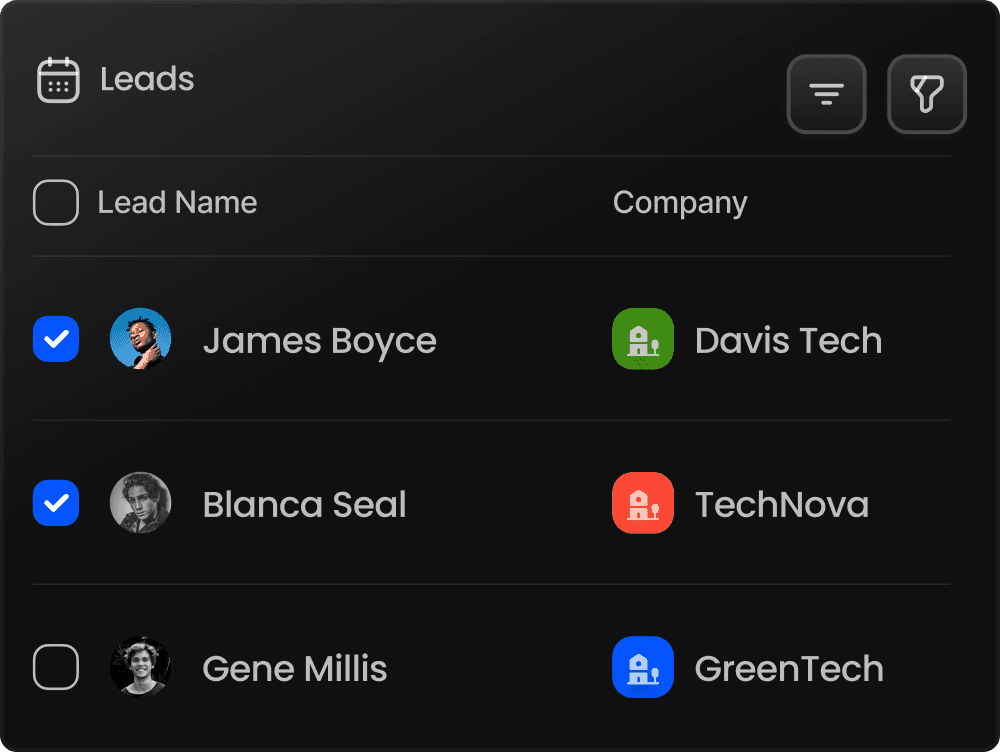
Leads boad for dashborad
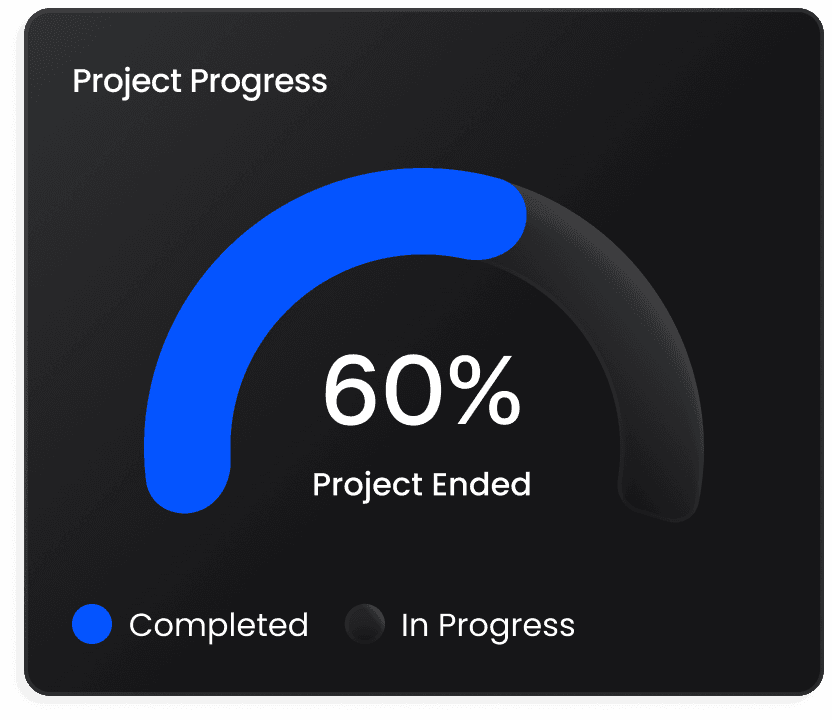
Project progress  project value meter

Enterprise-Grade Relationship Management

Build Stronger Relation

Close More Deals.

Create realistic, expressive, and voices in seconds powered by advanced AI technology. Create realistic, expressive, and natural voices in secon.

Enterprise-Grade Relationship Management

Build Stronger Relation

Close More Deals.

Create realistic, expressive, and voices in seconds powered by advanced AI technology. Create realistic, expressive, and natural voices in secon.

Leads boad for dashborad
Project progress  project value meter

Enterprise-Grade Relationship Management

Build Stronger Relation

Close More Deals.

Create realistic, expressive, and voices in seconds powered by advanced AI technology. Create realistic, expressive, and natural voices in secon.